Benef-ITs #1: Taking a Cyber-Safe Vacation
What you need to know
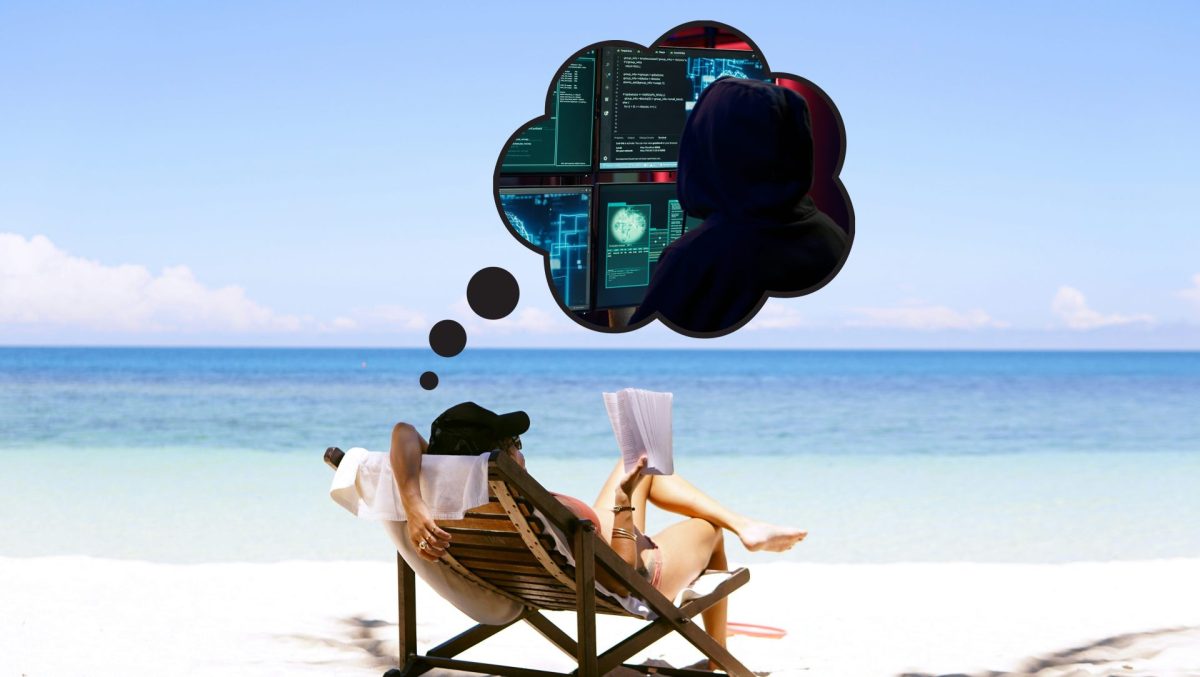
At Admin Networks, we’re big believers in hard work—but everyone needs a break sometimes. Research has shown that taking time off from your daily grind can actually make you more productive1, so if you’ve been thinking about cashing in on your vacation days, here’s your sign! Before you pack your bags, though, ask yourself: Who’s taking care of my office?
When your practice is left unattended, cyber criminals don’t hesitate to strike your defenseless computers—which isn’t very relaxing. No need to worry, though: if you’re an Admin Networks client, you’re in good hands. Read on to learn how we keep your office safe, even when you’re not there.
How we can help
If your practice gets attacked, here’s what you can expect to happen:
Note: These benefits are included in our Essentials and Essentials Plus subscription plans.
- The antivirus we’ve installed on your devices will notice any suspicious files. If it can’t delete the problem right away, it can quarantine it instead, limiting its spread to other parts of your computer.
- We’ll get a notification from our remote monitoring software, letting us know that there’s a problem. By this time, your antivirus will probably have dealt with the issue already—but if not, we’ll have one of our IT specialists remotely access your computer. That way, they can deal with the threat themselves.
- In the very unlikely event that nothing else has worked, we’ll send a specialist to your office. All you’ll have to do is let us in (and lock the door again when we leave).
Conclusion
In the case of an IT emergency, you can count on us to save the day, but prevention is always better than cure. That’s why we recommend regular maintenance. The more we can check up on your system, the sooner we’ll spot vulnerabilities—stopping cyberattacks before they happen. With all these safeguards in place, plus healthy maintenance habits, you can rest easy knowing that your practice is safe (even when you’re away)!
If you’re leaving town, make sure you follow our tips for a worry-free vacation:
- Shut off your computers before you leave. Hackers can’t access your device if isn’t already running, and they can’t
- Let us know when you’ll be away. We can keep an extra-close eye on your system, so you can focus on your trip.
- Set up regular computer maintenance. Our Essentials Plus plan includes weekly IT checkups, plus everything you’ve read about here. There’s no better way to keep your system safe!
Cited:
[1] Zucker, R. (2023, July 19). How taking a vacation improves your well-being. Harvard Business Review. https://hbr.org/2023/07/how-taking-a-vacation-improves-your-well-being