The Latest #1: The Windows 11 Update and Your Practice
What you need to know
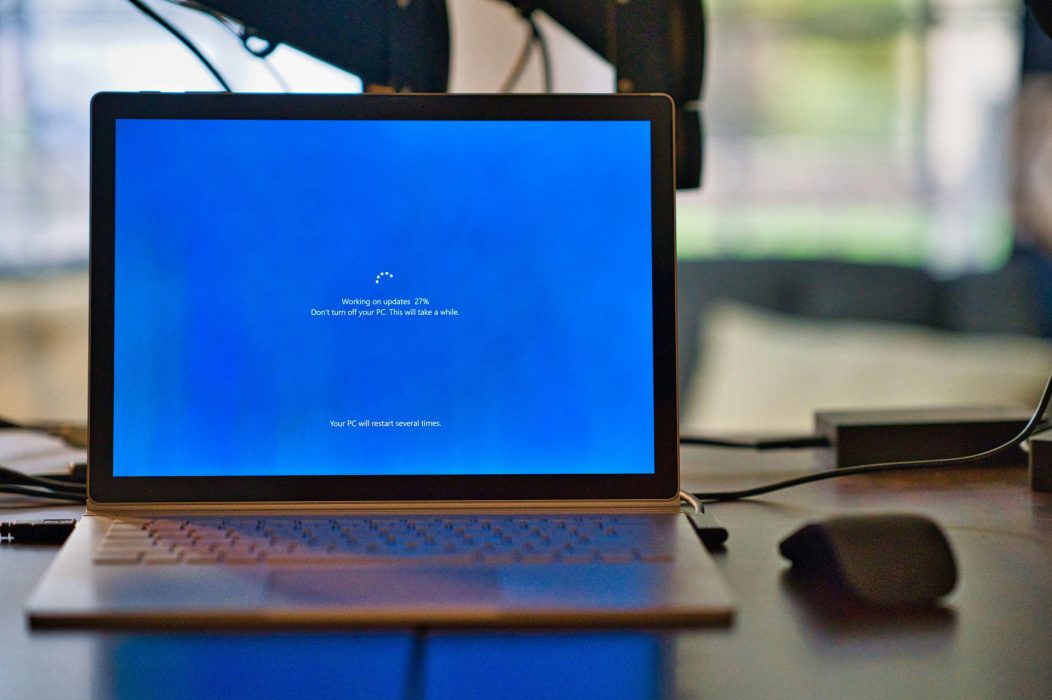
After ten years of operation, it’s time to say goodbye to Windows 10. Microsoft has announced that they will end support for the OS in October 2025, replacing it with its successor: Windows 11. When a version of Windows ends, so does Microsoft’s support for it—meaning no more security patches to plug up vulnerabilities, which increases your practice’s risk for cyberattacks. For this reason, HIPAA guidelines will also require you to run Windows 11 once the old version is phased out.
The deadline may be in October, but the sooner you can get updated, the better. Not only will it take your IT guy some time to get the job done right, but you may also need new computers, since Windows 11 demands higher specs than its predecessor (and may not run on an out-of-date device). Planning ahead lets you take advantage of the best deals on hardware. Plus, you’ll have a better chance of booking your preferred time slot for the update. You’d be surprised how fast the schedule can fill up!
How we can help
When you choose an MSP like Admin Networks to help you with the transition, we don’t just click “update” on your computer. Before we start, we’ll back up all your data. That way, if something goes wrong, we can restore your system like nothing ever happened. If you plan on staying open during the update, we’ll make sure you have hard copies of all the information you need, from appointment schedules to patient data. Following the update, expect a phone call from Ryan to check that everything is running smoothly and (if not) follow-up IT support to fix any issues ASAP. No matter what happens, we’ll be in touch every step of the way.
Conclusion
For better or for worse, you do have to update to Windows 11—but it doesn’t have to be a headache. We’ll leave you with our top 3 tips for a hassle-free, affordable update:
- Don’t buy if you don’t have to. Follow Ryan’s rule of thumb: If you bought the computer in the last three years, it should have no problem running Windows 11.
- Get last year’s new model. Generally, there isn’t a huge difference between the specs of computers released in subsequent years. The difference in price, though? Definitely noticeable.
- Plan ahead. If you know in advance that your practice will be closed (for example, if you take a summer vacation), let us know now so we can reserve your time slot and order your hardware.
Ready to get started? Email us at [email protected] or call us at 408-200-9881 today to speak with an experienced representative.
